Virtual front desk assistant for dental clinics
Never miss another patient inquiry — even after hours
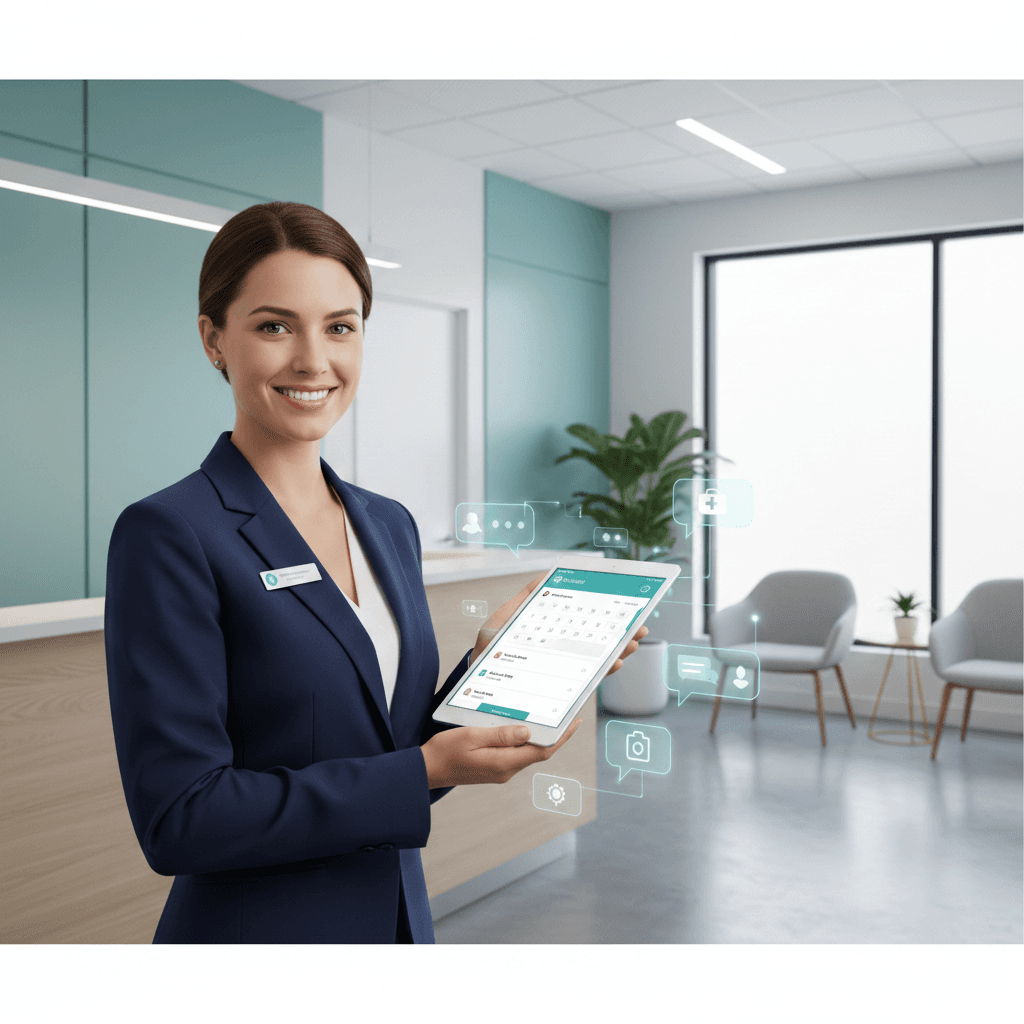
A virtual front desk assistant that sits on your website, answers common patient questions, and sends them straight to booking — so your staff can focus on the patients in front of them.
- Answers common questions 24/7
- Routes patients to booking
- Captures leads for follow-up
No new software for your staff. Add to your website in minutes.
Works with your existing booking setup — Calendly and Google Calendar today, with additional providers available on request.
What you get
A fully configured assistant — not a DIY chatbot builder.
Setup includes
- Custom clinic script tailored to your practice
- Safety guardrails — never gives medical advice
- One-line embed install on your website
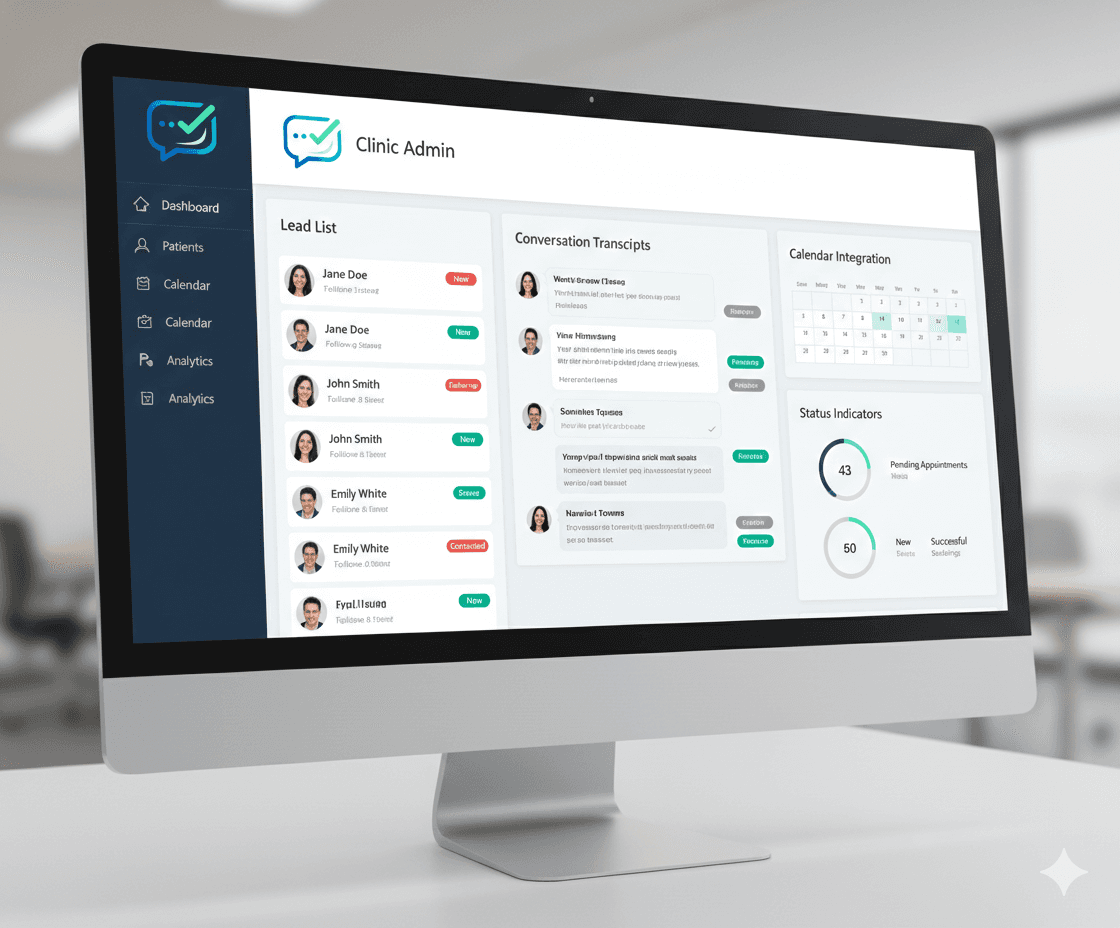
- Lead capture with admin viewer
- Calendly + Google Calendar booking integration
Ongoing
- Monitoring and performance tweaks
- Hosting and updates included
- Adjustments as your practice changes
How it works
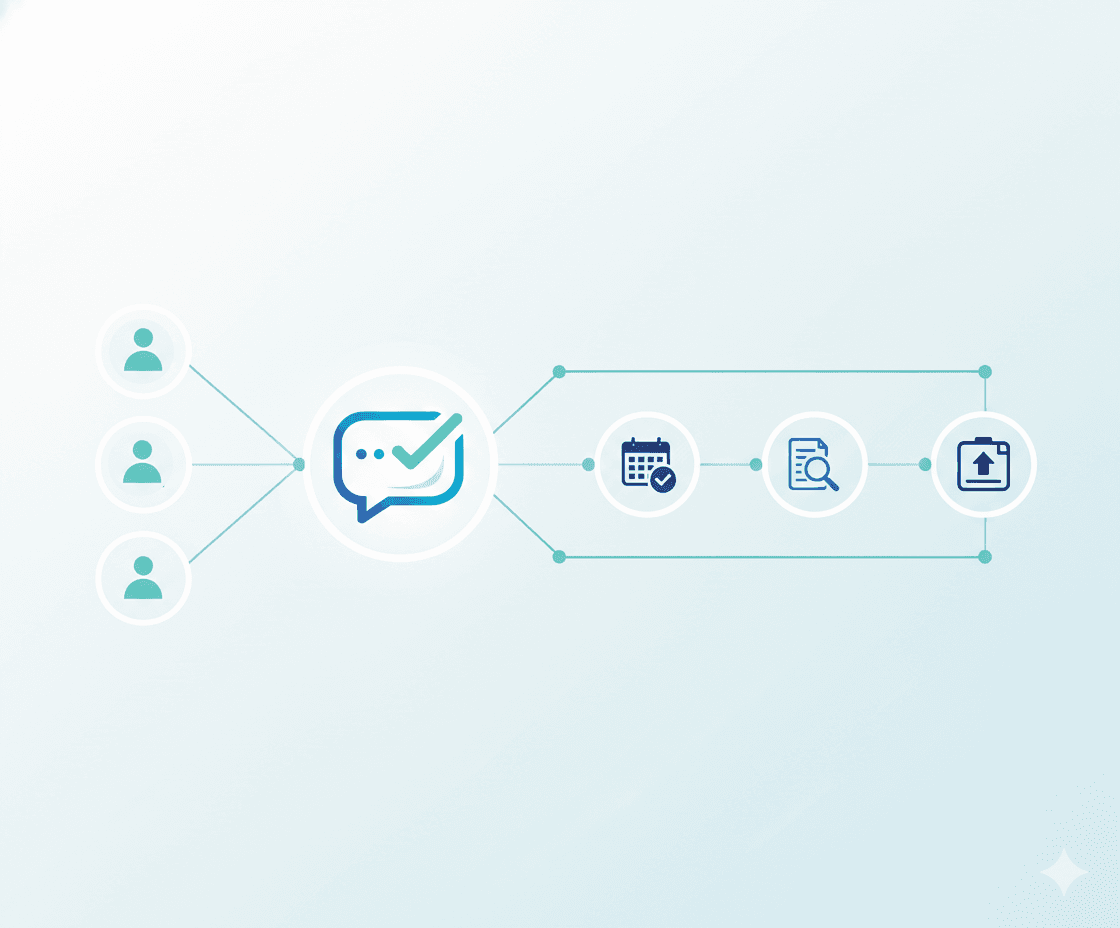
Three steps from patient question to booked appointment.
Step 1
Patient asks a question
A visitor on your website opens the chat and asks about hours, pricing, insurance, or availability.
Step 2
Assistant answers and qualifies
The assistant responds instantly with accurate info from your custom clinic script — no wait, no hold music.
Step 3
Books or leaves contact info
The patient picks from real available times in chat and confirms the appointment, or leaves their contact details for follow-up.
The assistant never gives medical advice. For clinical questions, it always recommends booking a visit.
Inside the platform

Conversational booking with real availability
Patients can book directly in chat while availability is pulled from your clinic's connected booking system.
Supported now
Calendly
Google Calendar
Checks live open times
NvrMiss checks real slot availability before offering appointment options.
Books in your real system
Confirmed appointments are created in your connected provider account.
Safe fallback when booking can't complete
If no slot is available or the provider is unavailable, NvrMiss captures lead details for follow-up.
Using a different booking system?
Tell us what you use and we'll handle the integration for you at no additional cost.
See it in action
Open the live demo page and test our widget experience for a sample dental clinic.
Open live demoDemo only — please don't share personal health information.
Ready to stop missing patient inquiries?
Reach out to sales and we will show you the best rollout plan for your practice.
Contact SalesOr email us at sales@nvr-miss.com
We usually respond within 1-2 business days.